JumpTabs

Sheet music in.
Playable tab out.

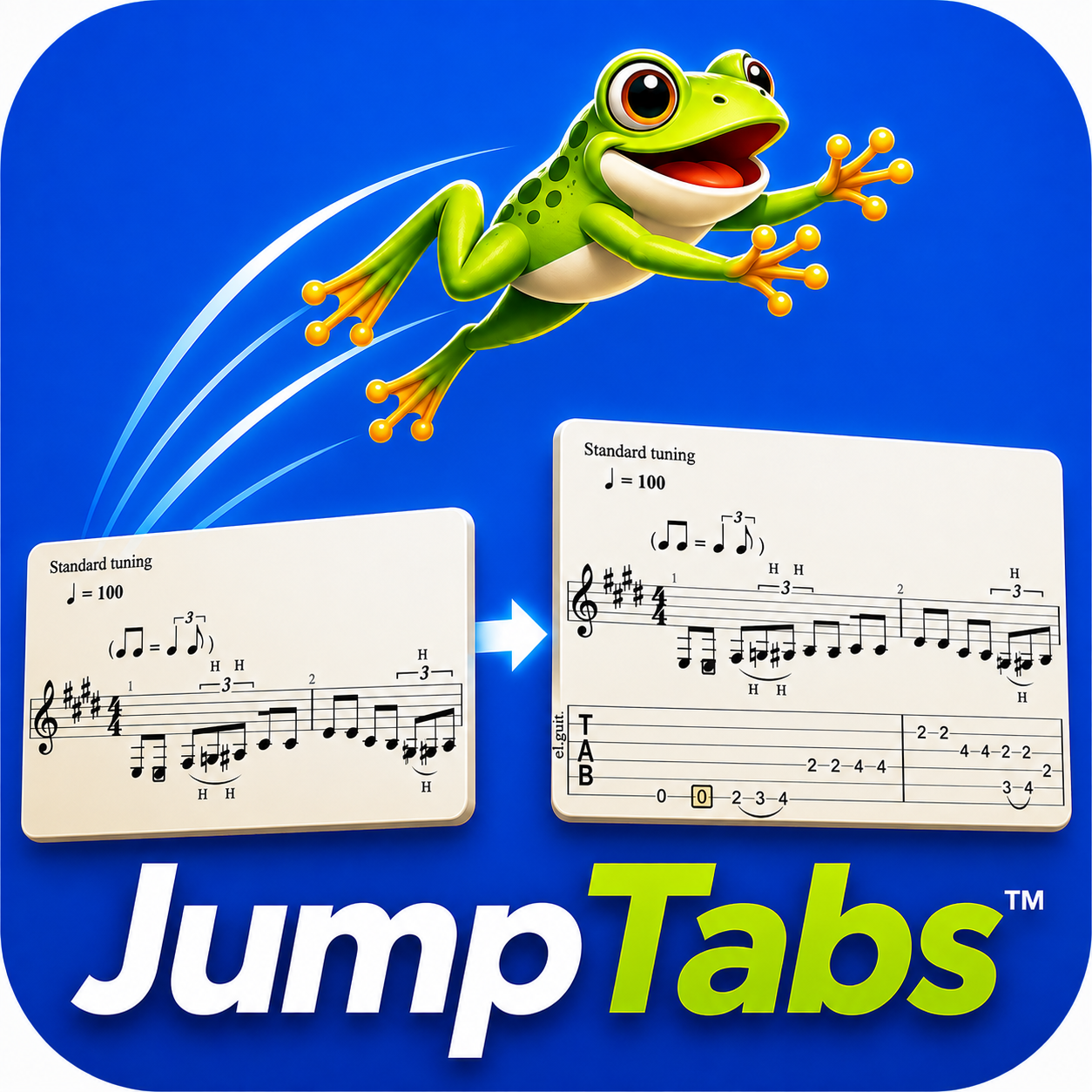
JumpTabs™ converts sheet music into fully playable guitar tab files — automatically. Not a printout. A living tab you can slow down, loop, edit, and learn from. No manual transcription. Ever.

0s Time to transcribe
Any Playback speed
Full Tab editing

Automatic conversion

🎼

Sheet music

🎸

Playable tab

  • Upload PDF or image of sheet music
  • AI converts notes to fret positions
  • Tab file plays back immediately
  • Edit, annotate, and save your version
  • Slow down any section to learn it

From notation to fretboard in seconds

JumpTabs™ handles the hard part — turning musical notation into guitar positions — so you can focus on playing.

1

Upload your sheet music

Upload a PDF, image, or scan of any sheet music — purchased, printed from lessons, or archived. JumpTabs™ reads it.

2

Automatic conversion

JumpTabs™ analyzes the notation and generates the corresponding guitar tab — mapping every note to its optimal fret position.

3

Play it back

Your tab plays back immediately. Slow it down, loop a section, or step through note by note. Hear exactly how it should be articulated.

4

Edit and save

Adjust fret positions, add fingering notes, annotate techniques. Save your version and come back to it any time.

Tab output

E Major Scale — converted from sheet music

e|--0--2--4-----------------4--2--0--|
B|--------5--2-----------2--5--------|
G|-------------2-------2------------|
D|----------------------------------|
A|----------------------------------|
E|----------------------------------|
Speed
45%
▶ Play
⟲ Loop
✎ Edit

Everything a guitarist needs to learn from sheet music

Built for players who have the music in front of them but need it in a format they can actually use.

🔄

Automatic Conversion

Upload sheet music and get a playable tab file back — automatically. No manual note-by-note transcription required.

▶️

Playback at Any Speed

Slow it down to 10% or speed it up to 200%. Hear exactly how a passage is articulated before you try to play it.

🔁

Loop Any Section

Set loop points around any measure or phrase and practice it on repeat until it's locked in.

🎼

Notation Side by Side

Tab and standard notation displayed together — so you can cross-reference as you learn.

✏️

Full Tab Editor

Edit fret positions, add technique markings (bends, slides, hammer-ons), annotate fingering, and save your version.

📁

Tab File Export

Export to standard tab formats for use in other tools, or save as a PDF for printing and practice.

Why JumpTabs™

Every other tab app makes you transcribe. We don't.

The tab apps that exist today are viewers and libraries. JumpTabs™ is a converter — which means you can use it with any sheet music you already own.

Every other tab app

  • Requires someone to manually transcribe the tab
  • Limited to songs already in their library
  • You can't use your own sheet music
  • Tab quality depends on whoever uploaded it
  • Print-only output — no playback
  • No editing — what you see is what you get

JumpTabs™

  • Converts any sheet music automatically — no transcription
  • Works with any music you have — lessons, purchases, archives
  • Unlimited library — if you have the sheet music, you have the tab
  • Consistent, algorithm-driven fret position mapping
  • Fully playable tab file with speed control and looping
  • Complete editor — adjust, annotate, and save your version

Instruments

Guitar first. More to come.

JumpTabs™ launches with full support for guitar — the most widely tabbed instrument. Additional fretted instruments will follow.

🎸

Guitar

6-string standard tuning. Alternate tunings planned.

At launch
🎵

Bass Guitar

4 and 5-string bass tab conversion.

Coming soon
🪕

Ukulele

Standard GCEA tuning tab output.

Coming soon
🎻

Banjo

5-string open G tuning tab conversion.

Coming soon
JumpTabs

Be first to play

JumpTabs™ is in development. Join the waitlist and we'll notify you the moment early access opens — plus you'll get a founding member discount at launch.

No spam. One email when we launch.

FAQ

Questions about JumpTabs™

What sheet music formats does JumpTabs™ accept?

JumpTabs™ accepts PDF files, JPG and PNG image scans, and standard MusicXML files. If you can photograph or scan your sheet music, JumpTabs™ can read it.

How accurate is the automatic conversion?

Accuracy depends on the clarity of the source sheet music. Clean, professionally printed notation converts with high accuracy. Handwritten or low-quality scans may require some manual correction using the built-in editor.

Is it just for guitar?

Guitar at launch — 6-string standard tuning with alternate tunings to follow. Bass, ukulele, and banjo are on the roadmap. The underlying conversion engine is instrument-agnostic, so expansion is planned.

Can I edit the tab after it's generated?

Yes — JumpTabs™ includes a full tab editor. You can move notes to different strings, adjust fret positions, add technique markings, and annotate fingering. Your edits are saved with your version of the tab.

Will it work with copyrighted sheet music I've purchased?

JumpTabs™ converts sheet music you upload for your personal practice use. You are responsible for ensuring you have the right to use the material you upload. JumpTabs does not store or share your uploaded sheet music.

Is JumpTabs™ a web app or a desktop app?

Both are planned — a web app for immediate access and a desktop version for offline use. The web app will launch first.

When does JumpTabs™ launch?

JumpTabs™ is actively in development by JumpStacks™ Software. Join the waitlist and you'll be the first to know when early access opens.